Tab Guard
One browser tab could quietly take gigabytes and slow the whole Mac, and the only fix was to hunt it down by hand, every time.
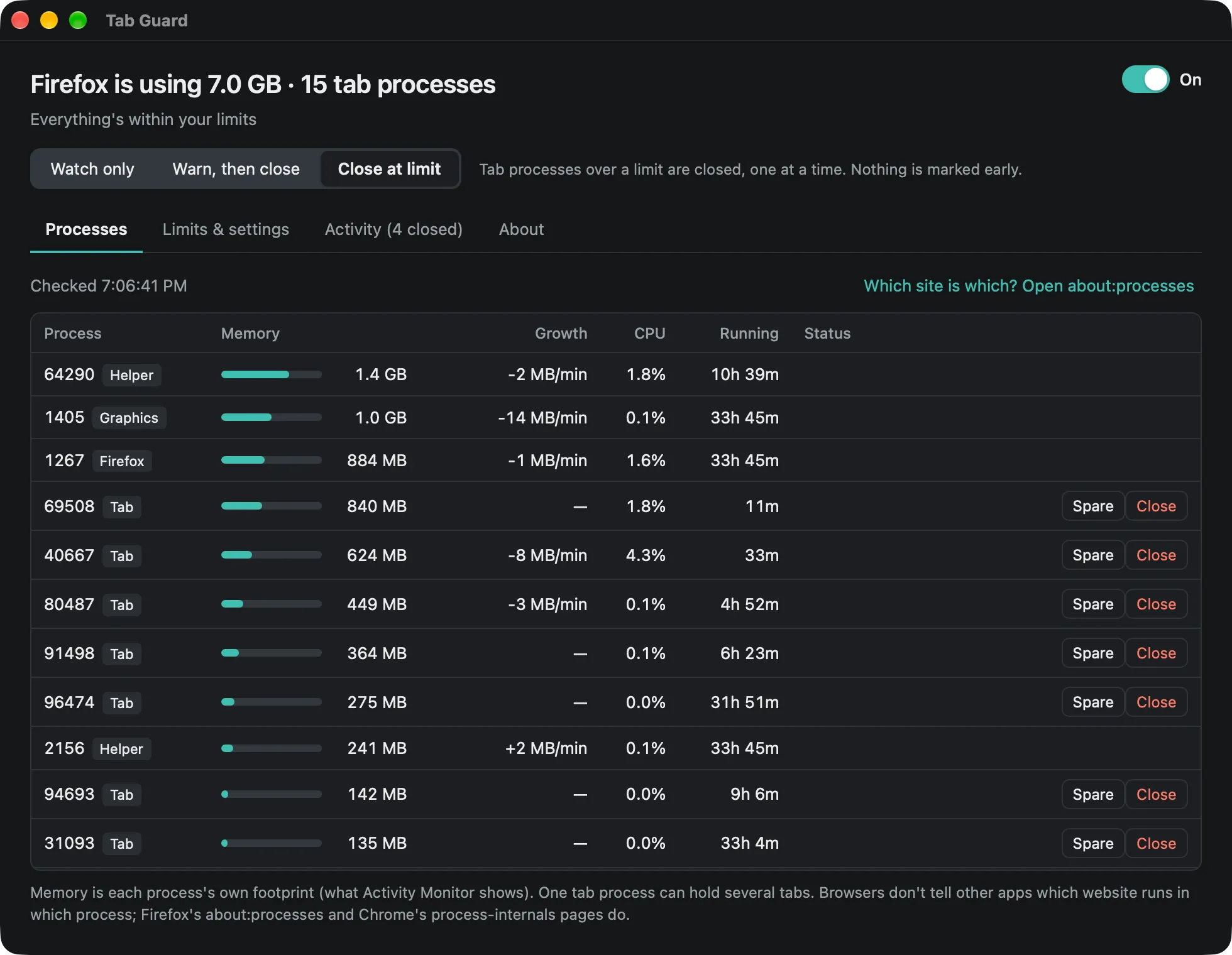
- Status
- In use
- Made of
- Rust and JavaScript
- Outcome
- 24 tab processes closed on my Mac on 29 October 2026, the biggest at 2.6 GB.
- Links
What it does
A browser runs its tabs in processes of their own, and some websites need a much bigger one than others. macOS can’t cap what one app uses, so Tab Guard watches from the menu bar instead: every 15 seconds it checks every process of Firefox, Chrome or a browser built on them, lists them by size, and, if I let it, closes the tab processes past my limits, one at a time. The browser shows a closed tab as crashed, with a button that reloads it, and the log keeps the size, the time and the limit it broke. It starts in Watch only, which closes nothing, so I can see what it would do before it does.
What it won’t do
Closing a tab process is abrupt: there’s no warning in the browser, anything unsaved in that tab is gone, and when one process holds several tabs from the same site, all of them go. It judges by memory alone and can’t tell which website a process is, because browsers don’t tell other apps that. So I put it in Watch only during a call, a presentation, an exam or a long form, and spare the tab that notifies me, which holds until that process exits.
Where it is
Version 1.0.0 went out on 29 October 2026 for macOS 13 or later, Apple silicon and Intel, signed and notarized, and it updates itself. It’s free, and the source is on GitHub under the MIT licence. Its one network request is the update check, from GitHub, and that can be turned off.